

Refund a payment
You can refund all or part of a payment that succeeded and isn’t disputed.
Who can do this: You need to be an owner, admin or manager to do this.
A developer can refund smaller amounts. An analyst or staff member can’t refund.
-
Open Payments and choose the payment.
-
Choose Refund, at the top right.
-
The amount shows everything that can still be refunded. To refund part of it, change the amount.
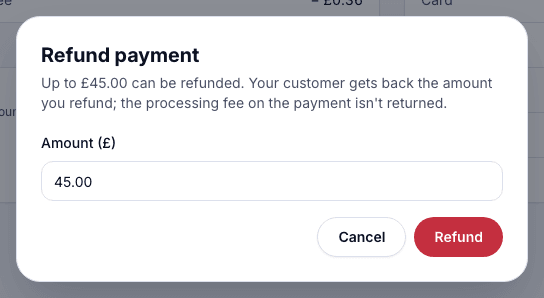
-
Choose Refund.
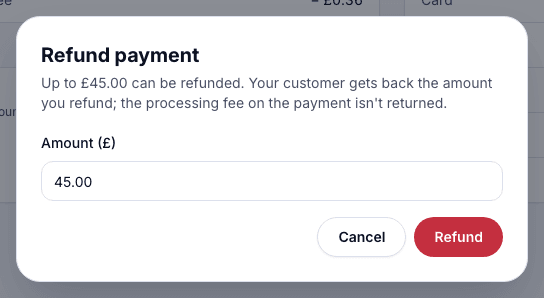
- On Home, tap the payment.
- Tap Refund….
- Leave the amount empty to refund all of it, or enter part of it.
- Tap Refund and confirm with Face ID.
What happens next
Section titled “What happens next”The refund appears under Refunds on the payment’s page. The customer gets the money back on the card they paid with.
Refunds are free, but the processing fee on the original payment isn’t returned.
When you can’t refund
Section titled “When you can’t refund”- There’s no Refund button. The payment hasn’t succeeded, it’s already fully refunded, it’s disputed, or your role can’t refund.
- The payment is disputed. The dispute decides where the money goes. See Disputes.
- It was paid at the till. Refund it with a return at the till.