

Invite your team
Who can do this: You need to be an owner, admin or manager to do this.
A manager can invite only managers and staff.
-
Choose Settings in the sidebar, then Team and choose Invite someone.
-
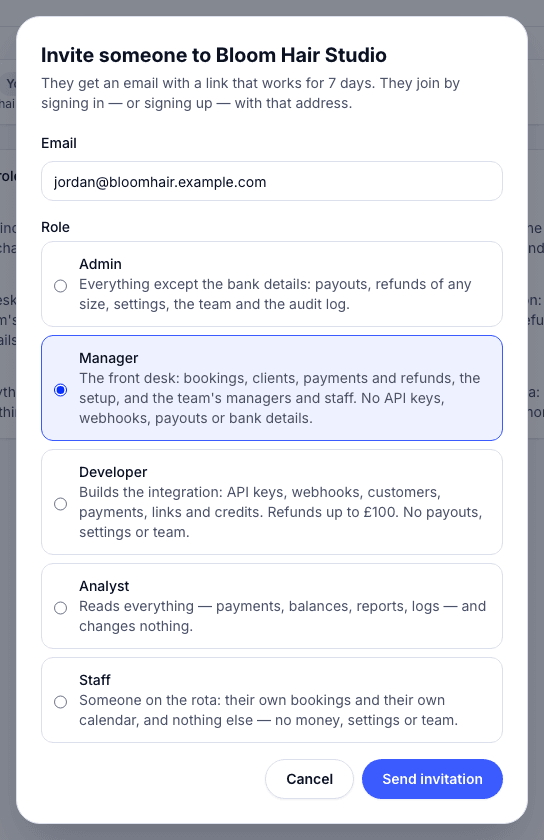
Enter their Email and choose a Role. For Staff, choose who they are on the rota.
-
Choose Send invitation. They get an email with a link that works for 7 days. They join by signing in, or signing up, with that address.
The roles
Section titled “The roles”| Role | What they can do |
|---|---|
| Owner | Everything, including the bank account payouts go to. There’s one owner. |
| Admin | Everything except the bank details: payouts, refunds, settings, the team. |
| Manager | Bookings, clients, payments and refunds, and the team’s managers and staff. No payouts or bank details. |
| Developer | The integration: API keys, payments and links. Small refunds only. |
| Analyst | Reads everything and changes nothing. |
| Staff | Their own bookings and calendar. No money, settings or team. |
Resend or revoke
Section titled “Resend or revoke”Pending invitations are listed under Invited. Choose Resend to send the email again (the link works for another 7 days), or Revoke to cancel it.