

Find a payment
Payments in the sidebar lists every payment, newest first, with its Amount, Status, Description, Card and when it was Created. Choose the amount to open it.
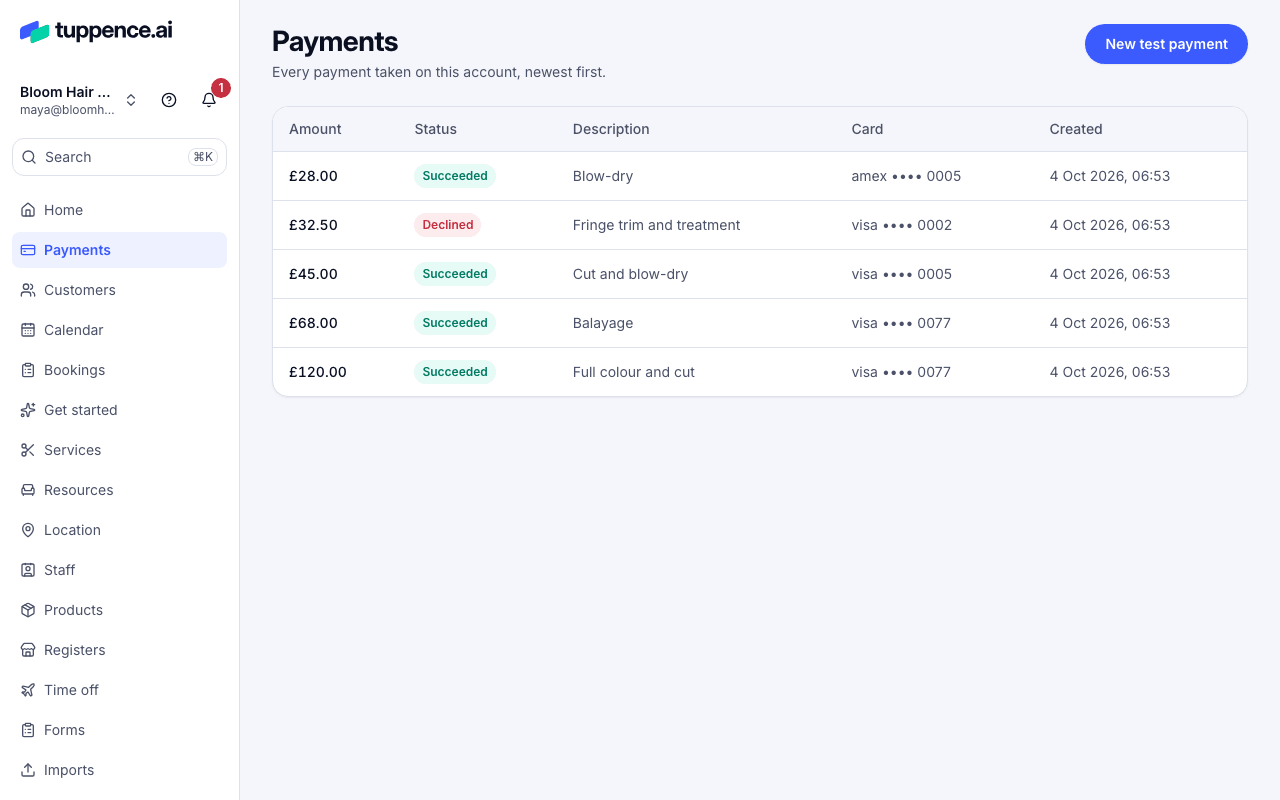
To find one fast:
- By customer. Open Customers, search by name, email, phone or ID, and open their record to see their payments.
- By ID. Choose Search (or press ⌘K) and paste the payment’s ID, which starts
pay_. A refund’s ID (rfnd_) finds its payment too. - From Home. Recent payments shows the latest few. Choose View all for the rest.
- Open Home. Your latest payments are under Payments.
- Tap a payment to open it.
The app shows your most recent payments. Use the dashboard for older ones.
On a payment’s page
Section titled “On a payment’s page”- At the top: the amount, status and description.
- What you keep: the Amount, the Tuppence fee, anything Refunded, and the Net.
- Details: the ID, the Card, when it was Created and Succeeded, the Customer, and the Receipt we emailed.
- Refunds, if there are any.
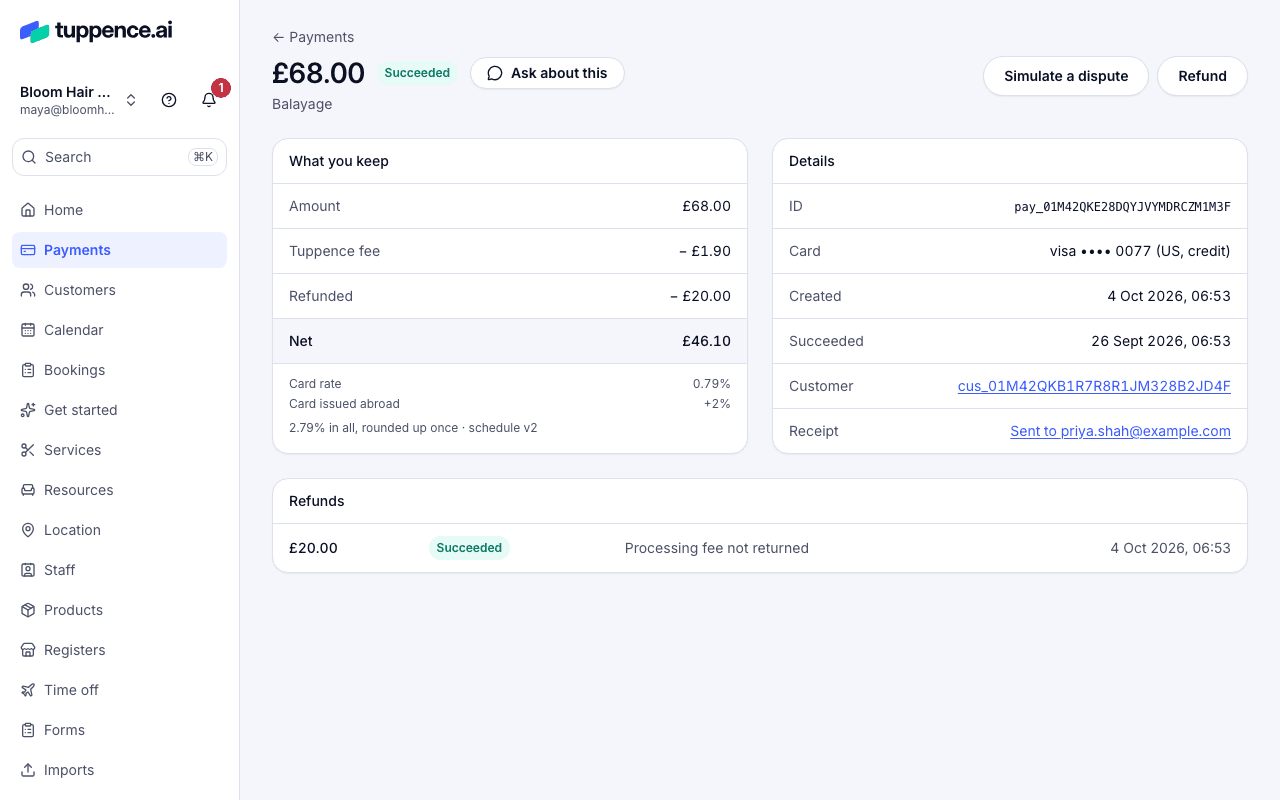
Not sure what a status means? See Payment statuses.